Tips for Creating a Relaxing Home Office Environment
Creating a relaxing home office environment can significantly improve your productivity, focus, and overall well-being. When your workspace feels calm and inviting, it’s easier to concentrate and maintain motivation throughout the day. Whether you’re working remotely full-time or need a quiet spot for occasional tasks, these tips will help you design a home office that supports both comfort and efficiency.
1. Choose the Right Location
The first step in crafting a relaxing home office is selecting a suitable location. Ideally, this space should be quiet and free from distractions. Here are some pointers:
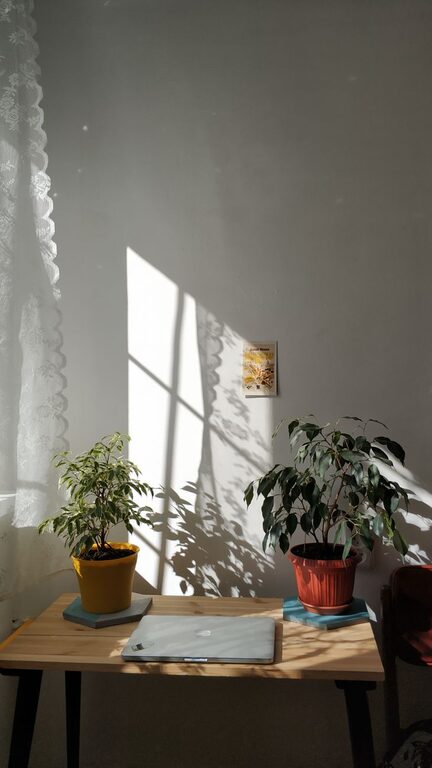
– Natural Light: Position your desk near a window to take advantage of natural light. It helps improve mood and reduces eyestrain.
– Away from Noise: Avoid high-traffic areas of your home like the kitchen or living room to minimize interruptions.
– Dedicated Space: Designate a specific corner or room solely for work to help separate your professional life from your personal life.
2. Invest in Comfortable Furniture
Comfort is key when setting up a workspace where you’ll spend hours each day.
– Ergonomic Chair: Choose a chair with good lumbar support to reduce back and neck strain.
– Adjustable Desk: Consider a desk that allows you to change positions, such as sit-stand options, to promote movement.
– Proper Desk Height: Ensure your desk height allows your arms to rest comfortably while typing.
3. Declutter and Organize
A clean, organized workspace reduces stress and enhances focus.
– Minimalist Approach: Keep only essential items on your desk to avoid visual distractions.
– Storage Solutions: Use shelves, drawers, and organizers to keep paperwork and supplies tidy.
– Cable Management: Use clips or wireless devices to keep cords neat and out of sight.
4. Personalize Your Space
Adding personal touches can make your office feel welcoming without causing distraction.
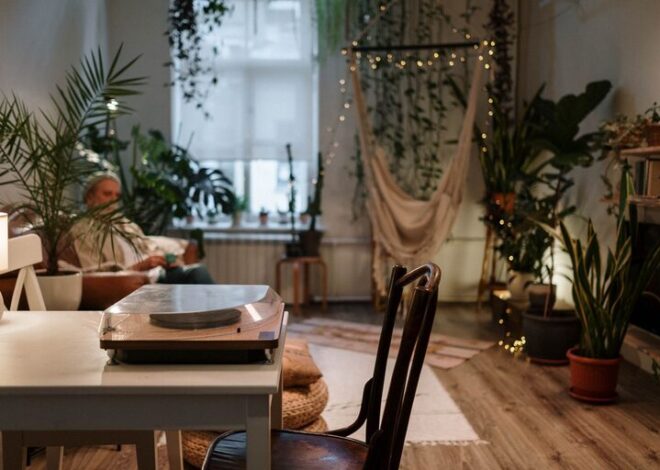
– Plants: Incorporate indoor plants to add life and improve air quality.
– Artwork or Photos: Use art or pictures that inspire or calm you but avoid cluttering walls.
– Colors: Select soothing colors like soft blues, greens, or neutrals for your walls or accessories.
5. Control Lighting and Temperature
Lighting and temperature directly affect comfort and productivity.
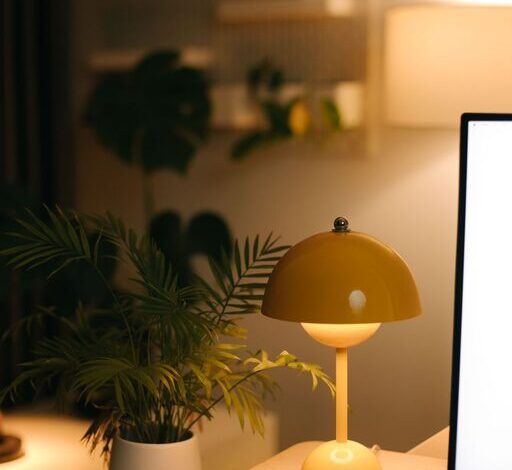
– Layered Lighting: Use a combination of natural light, overhead lighting, and task lights to reduce eye strain.
– Adjustable Shades or Curtains: Control glare from windows as needed.
– Comfortable Temperature: Keep your office well-ventilated and at a pleasant temperature to avoid discomfort.
6. Minimize Noise and Distractions
Background noise can disrupt concentration. Here are ways to manage sound:
– Noise-Cancelling Headphones: Use headphones to block out unwanted noise.
– Soft Background Music: Some people find that calm instrumental music enhances focus.
– Soundproofing: Add rugs, curtains, or wall panels to absorb sound if needed.
7. Incorporate Regular Breaks and Movement
A relaxing office environment isn’t just about the physical space but also about your routine.
– Break Reminders: Set timers to remind you to stand, stretch, or walk every hour.
– Comfort Items: Keep a water bottle nearby, use a footrest, or light a scented candle to make breaks more refreshing.
– Exercise Corner: If space allows, dedicate a small area for quick stretches or yoga.
8. Use Technology Wisely
Technology can support a relaxing workspace when managed thoughtfully.
– Declutter Screens: Close unnecessary tabs and disable non-essential notifications to reduce distractions.
– Good Equipment: Invest in reliable and user-friendly tech tools that enhance workflow.
– Digital Organization: Keep files and emails organized to prevent frustration.
Conclusion
A relaxing home office environment combines thoughtful design, comfort, and organization to create a space where you can work effectively without feeling overwhelmed. By implementing these tips, you’re likely to notice improvements not only in productivity but also in your overall mood and well-being. Remember, your workspace should reflect your needs and preferences — so take the time to tailor it until it feels just right. Happy working!